You bring
the coffee.
We'll bring
the orders.
QR table ordering and pickup orders, sent straight to your kitchen. Built for New Zealand cafés and restaurants.
Customers order in their phone's browser. Nothing to download.
From scan to served.
- 1
They scan the table's code
Your menu opens in their phone's browser. No app, no account.
- 2
They order and pay
Sizes, milks and notes in a few taps. They pay online or at the counter.
- 3
It rings on your counter
Every new order chimes until someone starts it, and can print in the kitchen.
- 4
They know when it's ready
Their phone shows the order's progress, so nobody hovers at the counter.
Your menu, in their hands.
Photos, sizes, milks and notes, in your colours. Customers order from their phone in a few taps, with nothing to download and no account.
- A QR card for every table
- Deals and promo codes come off by themselves
- An allergy prompt in every basket
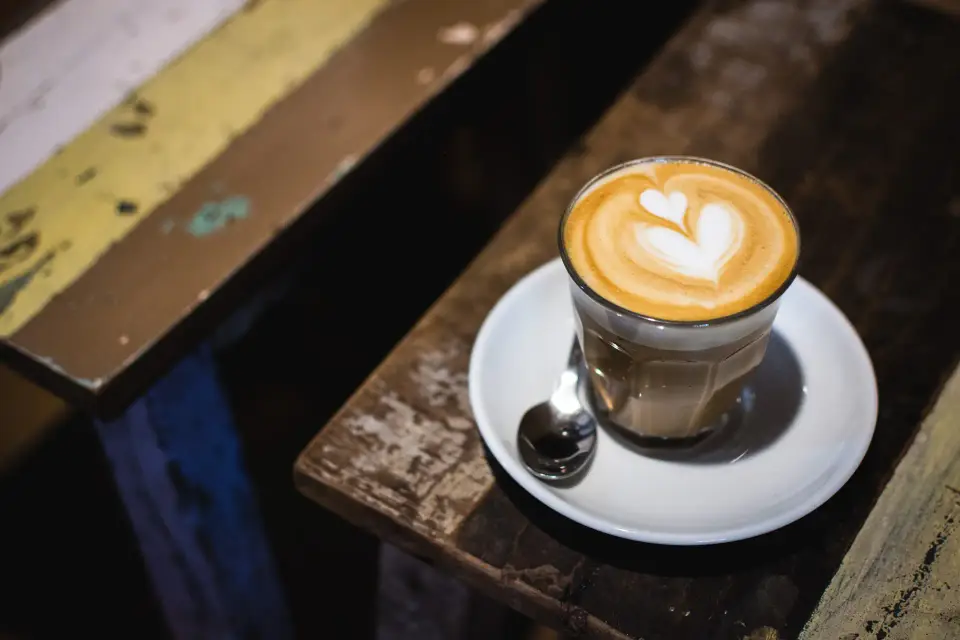
Order from Kōwhai Café.
A pretend café with a real OrderKai menu. Order a coffee and watch it get made, just like your customers would. Nothing is sent anywhere.
The little things, sorted.
- Pickup timesOrder for now, or book a time up to a week ahead.
- Deals, codes and vouchersHappy hours, money off chosen dishes, and gift vouchers.
- RewardsOnline orders earn stamps or points on your Coco Loyalty card.
- Table bookingsA Book a table button on your menu, and tonight's list.
- Staff loginsTheir own sign-in for orders and bookings. No money or settings.
- Dish costsWhat each dish costs to make, and its food cost.
From your menu to your first order.
- 1
Send us your menu
A photo, a PDF or a spreadsheet is fine. We set it up for you.
- 2
Print your table QR codes
Every table's card in one go, ready to print and pop on the tables.
- 3
Take orders on what you have
Any phone, tablet or computer. Add an Epson receipt printer if you like.
- 4
Share your link
On Instagram, Google or in a text, for pickup orders. You're live.
Priced by the orders you take.
Plans are sized by how many orders you take each month, so a small café pays less than a busy one. Tell us about your café and we'll send you the prices.
What cafés ask us.
Do my customers need to download an app?
No. They scan the QR code on the table, or open your shop link, and order in their phone's browser. No app and no account.
What do I need to get started?
A phone or tablet to take orders on, and your menu. Send it to us and we'll set it up for you, or start from a ready-made café, bakery, restaurant or takeaway menu yourself. A receipt printer is optional.
Will I miss orders if I'm busy?
Unlikely. Every new order chimes and keeps chiming until someone starts it, and phones get a notification even with the app minimised. Orders can also print straight to the kitchen.
Can I close early, or stop orders for a while?
Yes. One tap closes ordering for 30 minutes, an hour or the rest of the day, and your normal hours take over again by themselves.
Do you handle alcohol?
Alcohol is never ordered online. Customers order food on their phone and tap Ask for drinks service, so your staff come to the table and take the drinks order in person.
How much does it cost?
Plans are sized by how many orders you take each month, so a small café pays less than a busy one. Send us a message below and we'll send you the prices.
Let's make it yours.
Leave your details and a real person here in New Zealand will reply. We'll sort out the setup details together.